The money is reserved when you pay and released only once you accept the work.
Example result
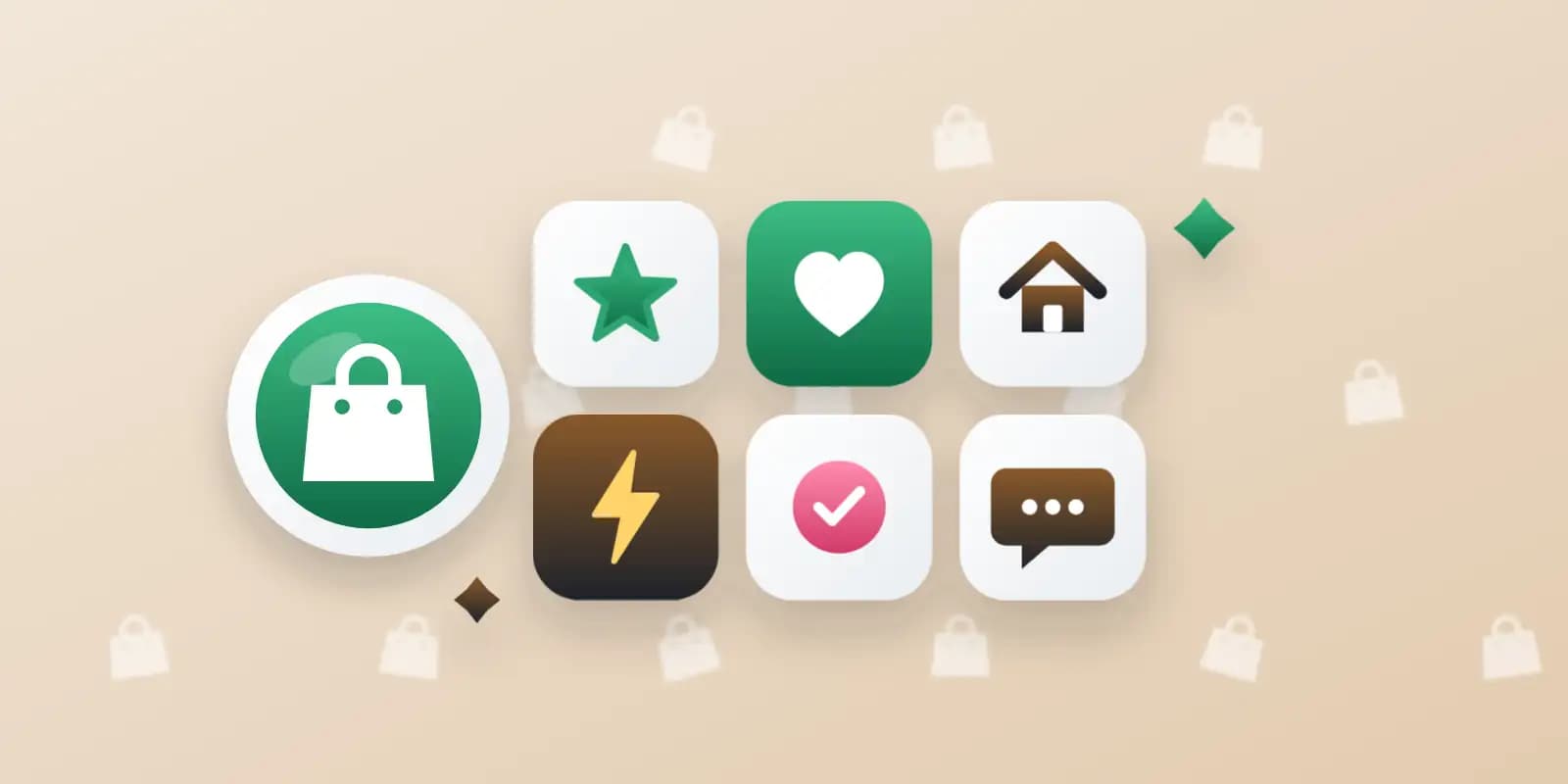
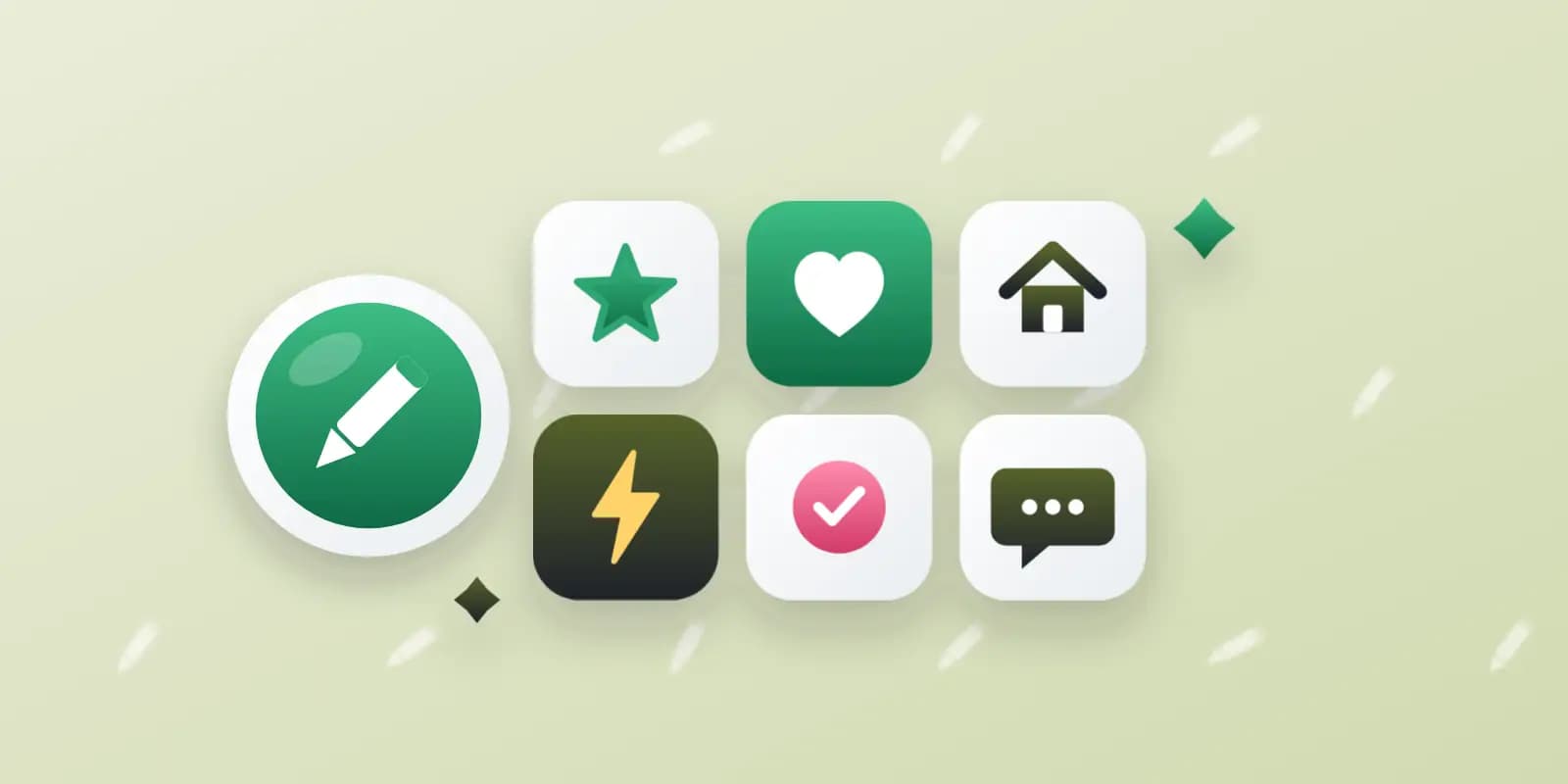
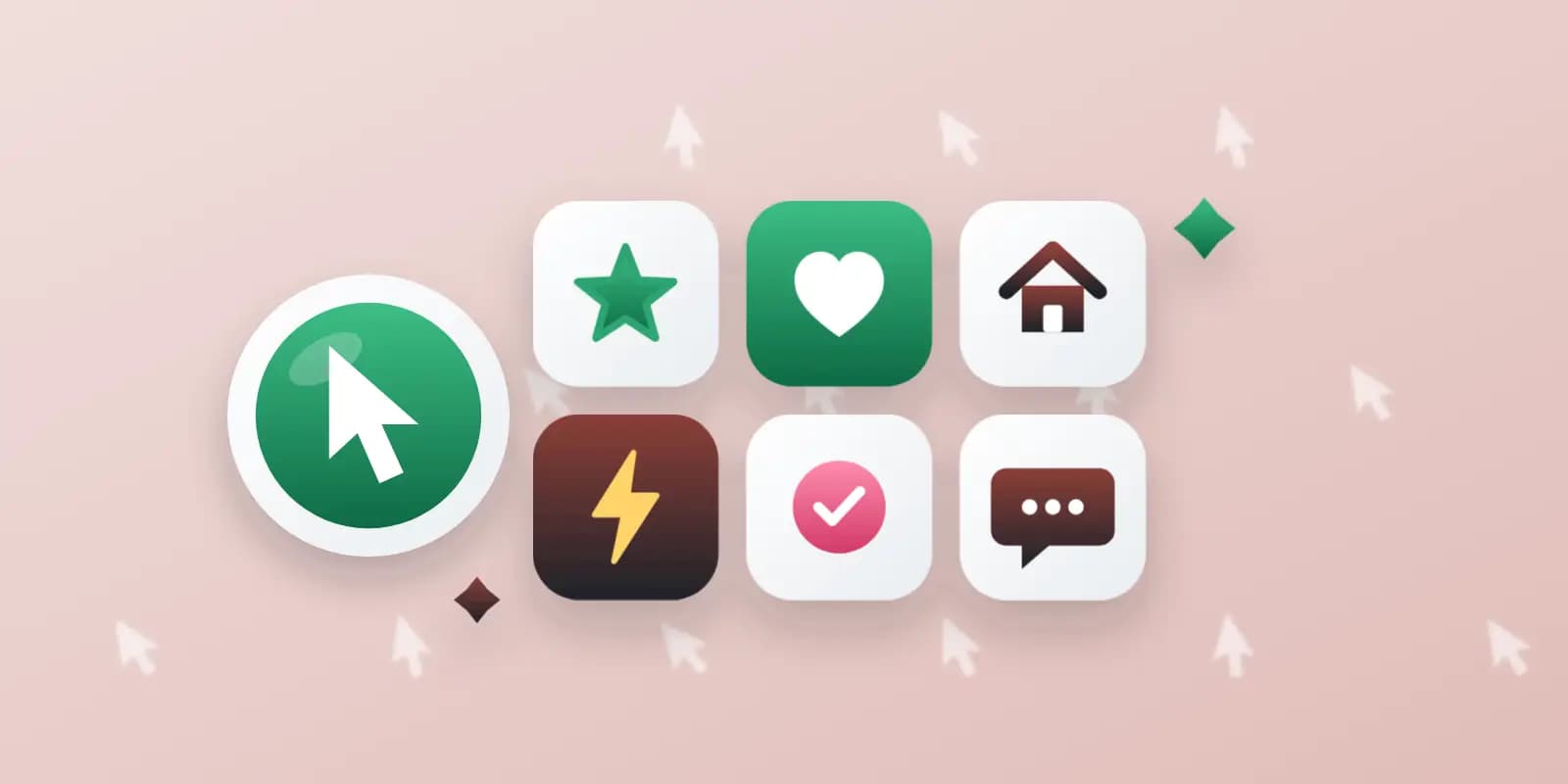
Example for the Standard package
App icons and favicons
3 boards
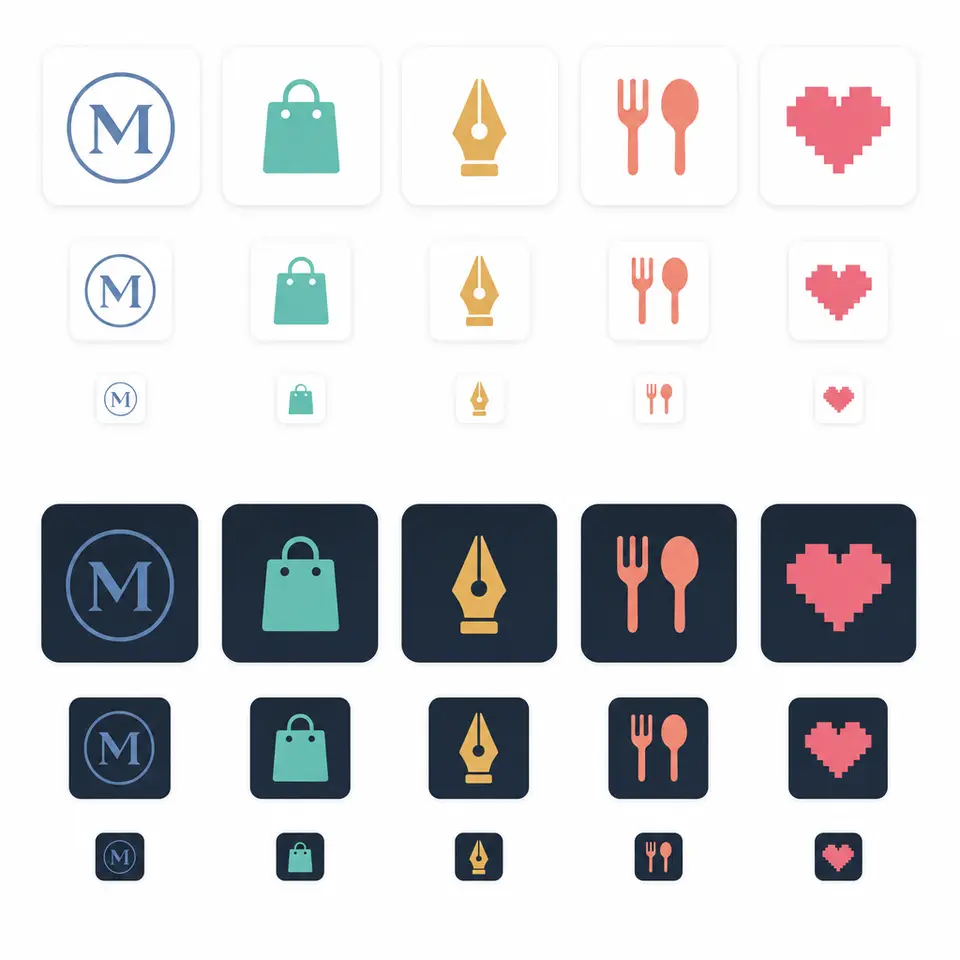
Client: three app makers and several website owners.
Task: icons that read at the tiniest sizes, on light and dark backgrounds.
The client and all details are made up.
About this service
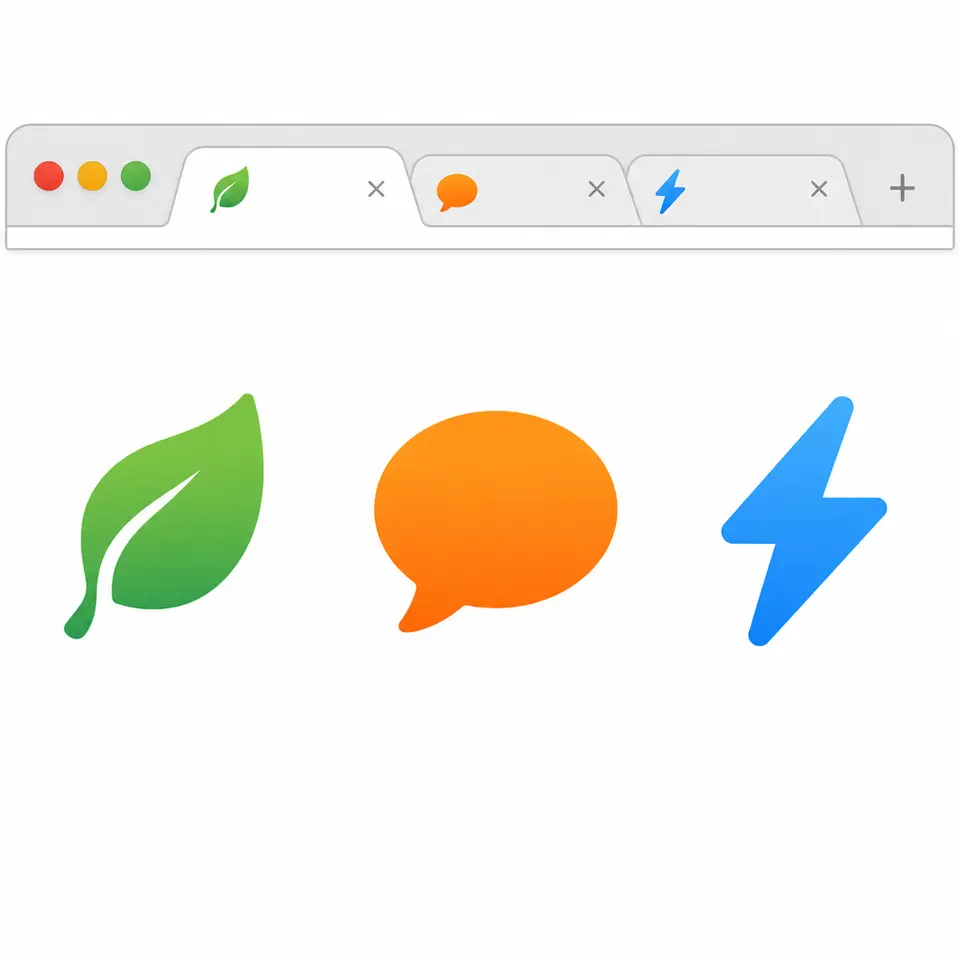
We design favicon concepts that come in two matched versions, one for light browser tabs and one for dark ones. Many people now browse in dark mode, where a black or navy logo almost disappears, while a white mark vanishes on a light tab. Each concept is drawn twice with the same shape and adjusted colours or an outline, so your site stays visible in both themes and your developer can switch between them.
What is included
What you getFavicon concepts as square PNG pairs, each in a light-tab and a dark-tab version with the same shape. Delivered as separate PNG files on a transparent background; ICO, SVG and other vector files are not included.
Two versions eachLight tab and dark tab
Same shapeOnly colours or outline change
Contrast checked by eyeShown on light and dark previews
Brand colour keptAdjusted, not replaced
How it works
1
BriefYou give the mark and brand colours
2
PairsWe draw each concept for both themes
3
DeliveryYour developer sets the theme switch
What we need from you
Your site address, your logo or brand colours, the letter or symbol you want and which colour your mark must keep in both themes.
You pay when you order, but the money is released only for accepted work.
Fixed priceThe package price does not change after you pay.
The money is reservedWhen you pay, the amount is only reserved. It is released to the service once you accept the work.
Checked before deliveryEvery result goes through a quality check before it reaches you, and you see it on the order page before accepting it.
Free revisionsAsk for changes within your brief as many times as the package allows.
Acceptance after 3 daysIf within 3 days of delivery you neither accept the work nor ask for changes, it is accepted automatically. If you write in the order chat after delivery, the order waits; once we answer, we may start the 3 days again and will say so in the chat.
Redo or a full refundIf the result does not match your brief and the revisions did not fix it, or the work takes more than twice its deadline, write in the order chat: we will redo the work or refund the payment in full.
 Design
 Design
 Design
 Design