An HTML template for your email newsletter
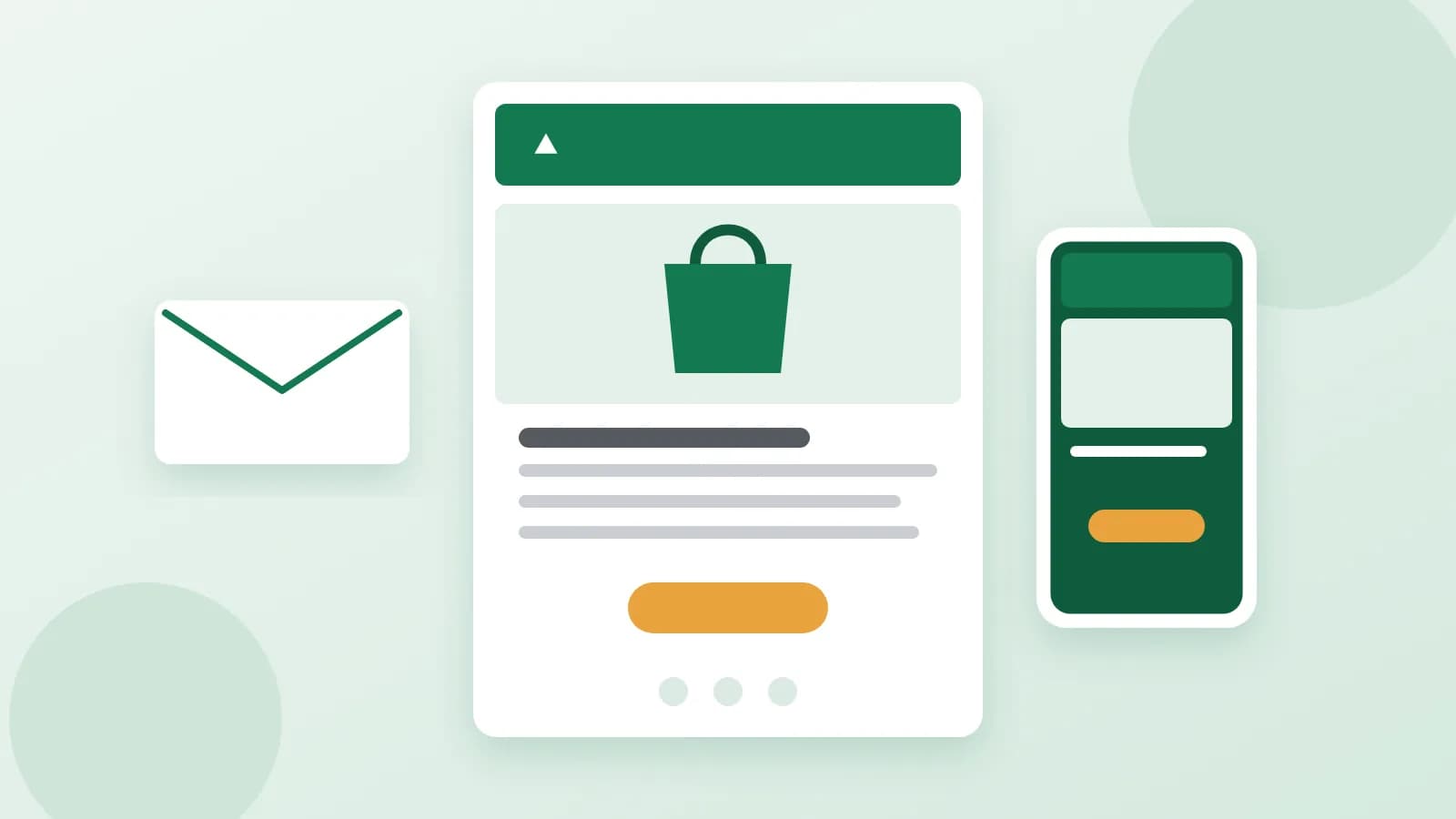
A plain-text email works for a quick note, but a newsletter, an offer or a welcome email usually needs more: your logo, a picture, a clear button. That is an HTML email. It looks like a small web page, but it is built by very different rules, because email programs are much stricter than browsers. Here is what a good template contains and how to prepare one.
Why email is not a web page
Gmail, Outlook, Apple Mail and phone apps each show HTML a little differently, and many of them ignore modern web code. That is why emails are built the old-fashioned way:
- Tables for the layout, not modern web layouts.
- Styles written on each element, because many programs strip style sections.
- System fonts, as custom web fonts often do not load.
- No scripts, forms or video. Email programs do not run them. Use a picture or a button that leads to your video or form instead.
The parts of a good email
- Preview line: the short text shown next to the subject in the inbox. It is your second subject line, so do not waste it on "View in browser".
- Header: your logo, small and linked to your site.
- Headline and main picture: what the email is about in one glance.
- Short text: two or three paragraphs at most.
- One main button: "Shop the collection", "Book a table". A button made as a link works everywhere.
- Footer: company name, address, contacts and the unsubscribe link.
Width and phones
The standard width is about 600 pixels, which fits a computer screen and the reading pane of most programs. On a phone, the layout should turn into one column, with text large enough to read and buttons big enough to tap. More than half of emails are opened on phones, so check the phone version first.
Pictures and alt text
Some programs block pictures until the reader allows them. Write alt text for every picture, so the email still makes sense without them, and never put important text only inside a picture. Use only pictures you have the right to use. Pictures are uploaded to your mailing service or your site, and the email points to their addresses.
The unsubscribe link
Mailing services and the rules in many countries require an easy way to unsubscribe in every marketing email. Templates usually contain a placeholder that you replace with your service's own unsubscribe link or tag.
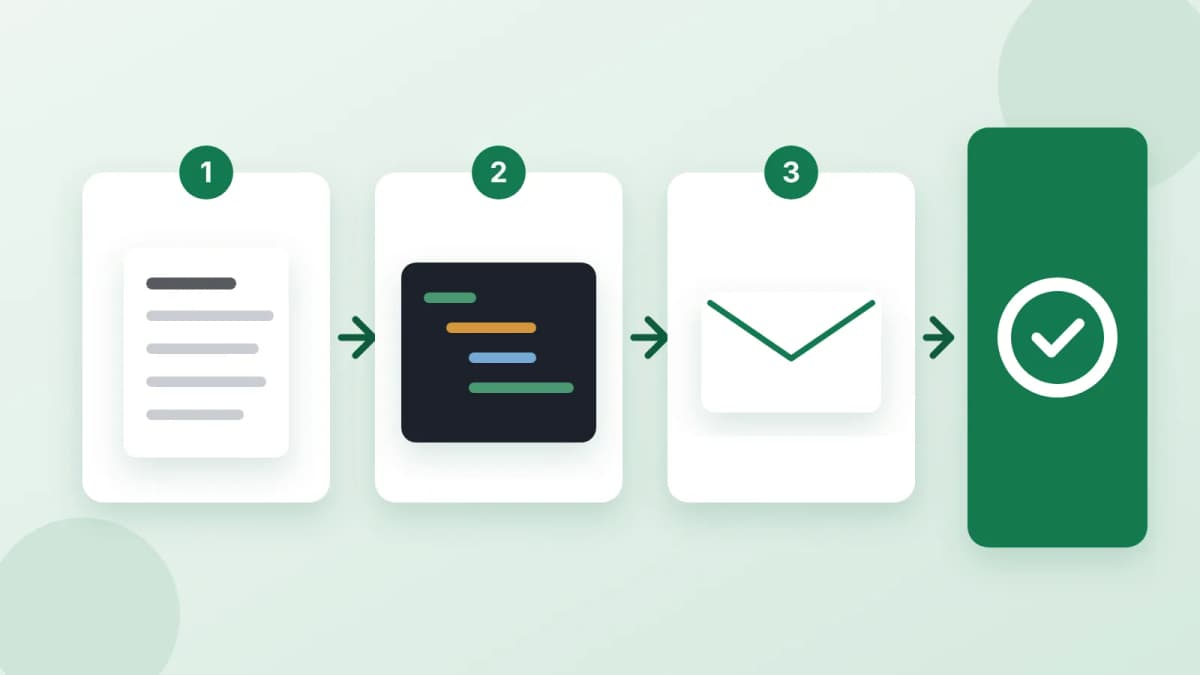
How to prepare the content
- What the email is about and who gets it.
- The facts: prices, dates, promo codes, exactly as they are.
- Where each button leads: full page addresses.
- Footer details exactly as they should appear.
- Colours and style, or an email you like as a hint.
Test before sending
Send the email to yourself in Gmail, Outlook and on a phone. Click every link and button, check the preview line, and look at the email with pictures turned off.
In short
A good HTML email uses tables and inline styles, is about 600 pixels wide, turns into one column on a phone and has one clear button and a proper footer. If you would rather not build it yourself, order an HTML email: you describe the email, the offer and where the buttons lead, and get an archive with the ready HTML and pictures drawn for it, to import into Mailchimp, Brevo or another mailing service. Payment is released only after you approve the work.