 Development
Resume website
A ready resume website in HTML and CSS: your experience, skills and contacts, with pictures and a phone version
Pricefrom $20
The money is reserved when you pay and released only once you accept the work.
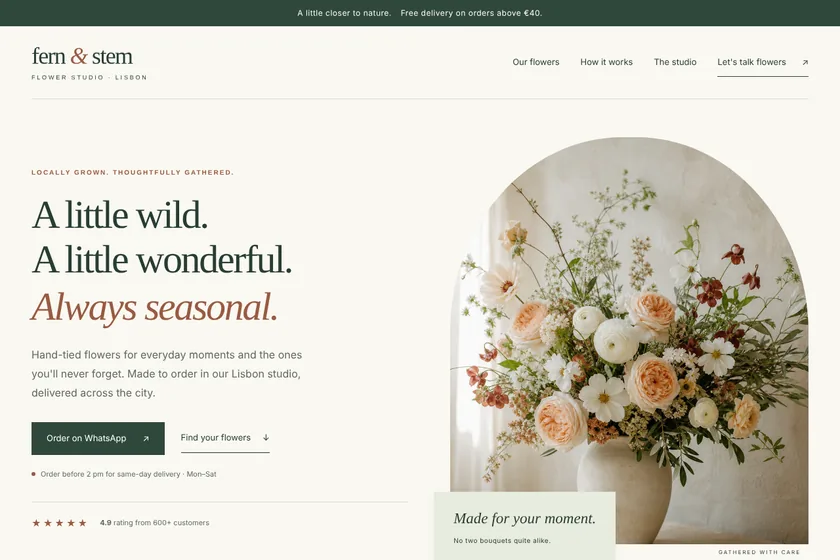
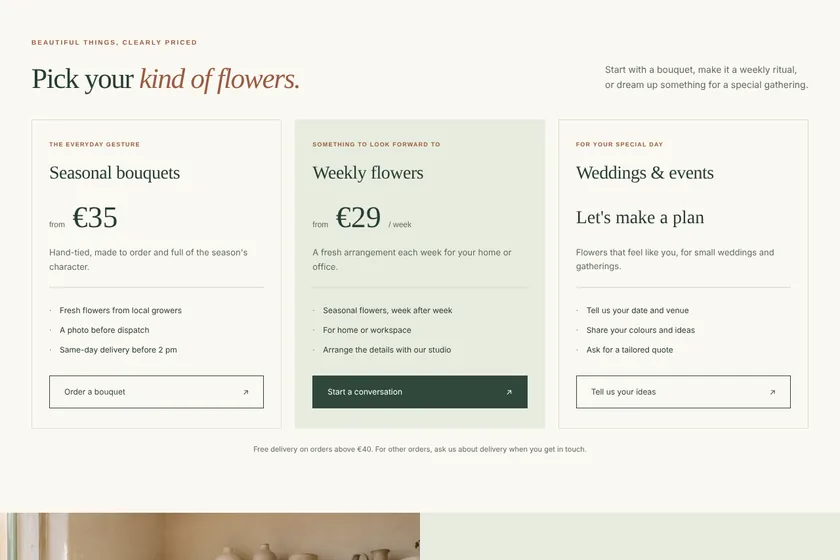
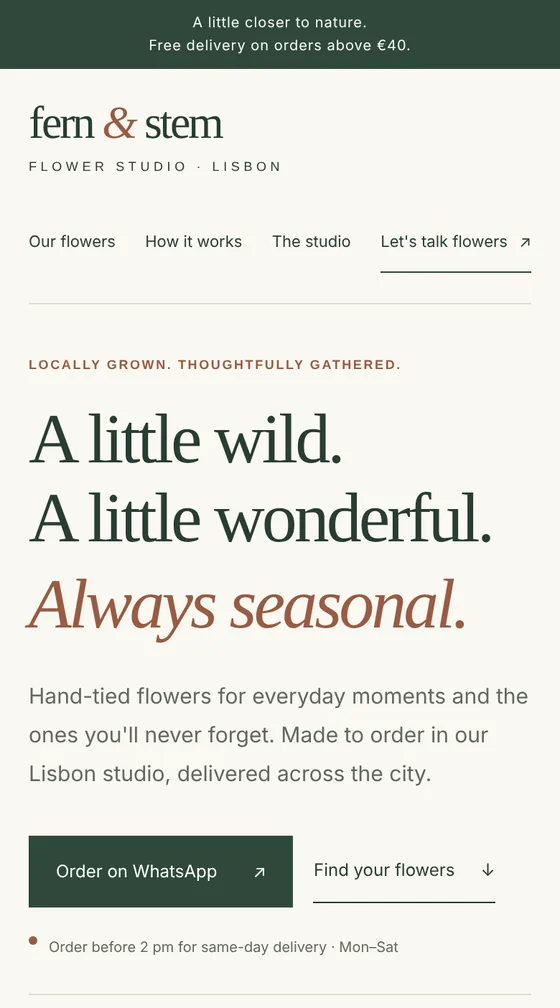
Files: a ZIP archive with index.html, the styles, a little JavaScript and 5 pictures drawn for the page: 8 sections, ready to upload to the client's hosting. The pictures here are screenshots of the page.
Client: Fern & Stem, a small flower studio that delivers bouquets across Lisbon. Task: a landing page with their bouquets, weekly subscription and event flowers, prices, delivery terms and WhatsApp ordering, in cream, sage and terracotta.
The client and all details are made up.
Before a shop, café, studio, app or brand opens, a coming soon page lets people find you, see what is coming and stay in touch. We build it from your brief: your name and what you are opening, the date or season, a countdown if you want one, a first look at your products or services, and, in bigger packages, the story, previews, the place and your plans. Staying in touch works through buttons: to your social profiles, a messenger, email or the sign-up page of a newsletter you already use; the page has no server, so it keeps no list of emails itself. We never invent dates, offers or numbers. You get the code in a ZIP; hosting and a domain are not included.
Your name and what you are opening, the date or season and whether you want a countdown, what you can already tell about your products, services or place, the address if it is known, and how people stay in touch: social profiles, messenger, email or a newsletter sign-up link. Optionally up to 5 pictures as PNG, JPEG or WebP: your logo and photos or previews you may show.
We will ask you:
| Packages | BasicComing soon page of 5 sections$20 | StandardComing soon page of 8 sections$37 | PremiumComing soon page of 12 sections$64 |
|---|---|---|---|
| Deadline | 1 day | 2 days | 2 days |
| Revisions | 1 | 2 | 3 |
| Pages | 1 | 1 | 1 |
| Sections | up to 5 | up to 8 | up to 12 |
| Pictures drawn for the page | 3 | 5 | 8 |
| Phone version | Yes | Yes | Yes |
| Order Basic | Order Standard | Order Premium |
You pay when you order, but the money is released only for accepted work.
Not on the page itself: it has no server and keeps no list. The button leads to the sign-up page of a newsletter service you use, or opens a messenger or email.
The timer stops at zero and the page can show a line you choose, such as «We are open». Then you change the page or replace it with your new site.
Yes. The date is one line in the code; change it in any code editor or ask us within your package.
Upload the archive's contents to your hosting so that index.html is at the top of the site. Hosting and a domain are not part of the order, and we do not log in to your accounts.
Did not find your answer?
Development Development
 Development
 Development