A website scraper: how to collect data from the web
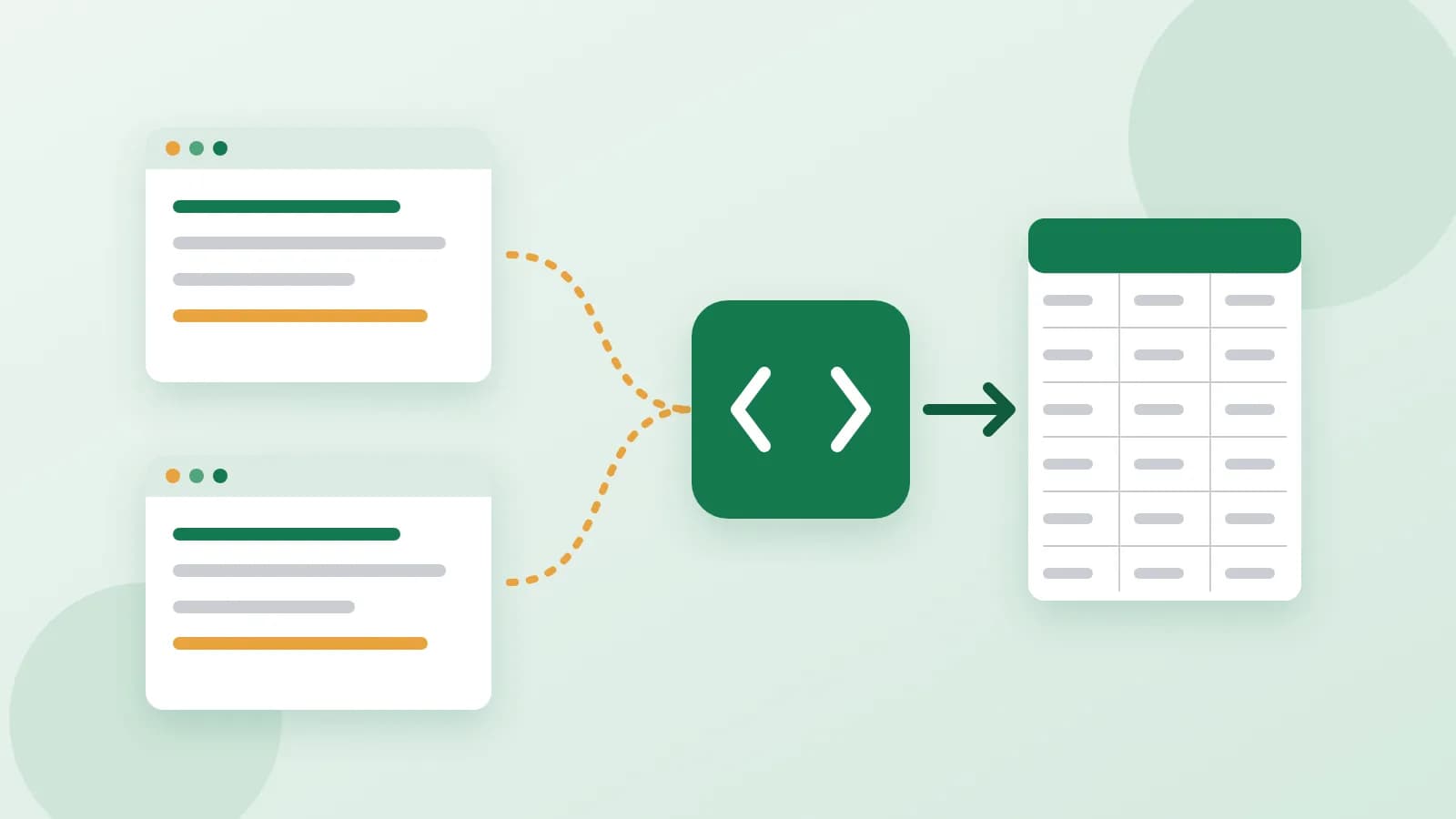
Copying prices from a supplier's site into a spreadsheet by hand works for twenty products. For two thousand, it eats a week and still has typos. A website scraper (also called a parser) is a small program that opens the pages for you, takes the same pieces of information from each one and saves them as a table. Here is what it can do, what to prepare and which rules to follow.
What a scraper is good for
A scraper is useful whenever the same kind of information sits on many similar pages:
- Prices and stock. Track how a supplier's prices change or which items are out of stock.
- A supplier's catalogue. Move names, descriptions, pictures and prices into your own shop.
- Listings. Collect property, car or job listings from a public board into one table.
- Events and articles. Gather dates, titles and links from a public calendar or news page.
Collect only what you are allowed to collect
Before anything else, check that the data is fair to take:
- Public pages only. If you need to sign in to see the data, a scraper is the wrong tool.
- Read the site's terms. Many sites say what may and may not be collected. Large platforms, search engines and social networks usually forbid it; use their official export or API instead.
- Respect rate limits. A pause of a few seconds between pages keeps the load on the site low. Never try to get around captchas or blocks.
- Follow privacy laws. Names, emails and phone numbers of people are personal data, and many countries strictly limit collecting them. Leave them out.
In the end, whether you may collect and use a site's data is your decision, so check before you start.
Describe the pages
A scraper is written for the real structure of the pages, so be precise:
- A link to a list page and a link to one item page.
- Roughly how many pages there are, for example "about 40 list pages with 24 products each".
- One or two pages saved from your browser (File > Save page as) or screenshots of them.
List the fields like table columns
Think of the result as a spreadsheet and name its columns in order, with an example of each:
- Name: "Oak cutting board, large"
- Price: "34.90"
- Old price: "39.90", if the item is on sale
- In stock: "yes"
- Link to the item page and link to the picture
Ten clear fields are better than thirty vague ones. Add any rule you need, such as "only items in stock".
Choose the format and where it runs
- CSV opens in any spreadsheet and imports into most shop systems.
- Excel is easier if you will filter and sort by hand.
- JSON suits a developer who will load the data elsewhere.
The scraper runs on your own computer with Python, so the data goes straight to you, and you can run it again whenever you need fresh numbers.
When the site changes
A scraper follows the pages as they look today. If the site gets a new design, the scraper may stop finding the fields and needs an update. A site may also limit visits even at a polite pace. Plan for this if you rely on the data every week.
In short
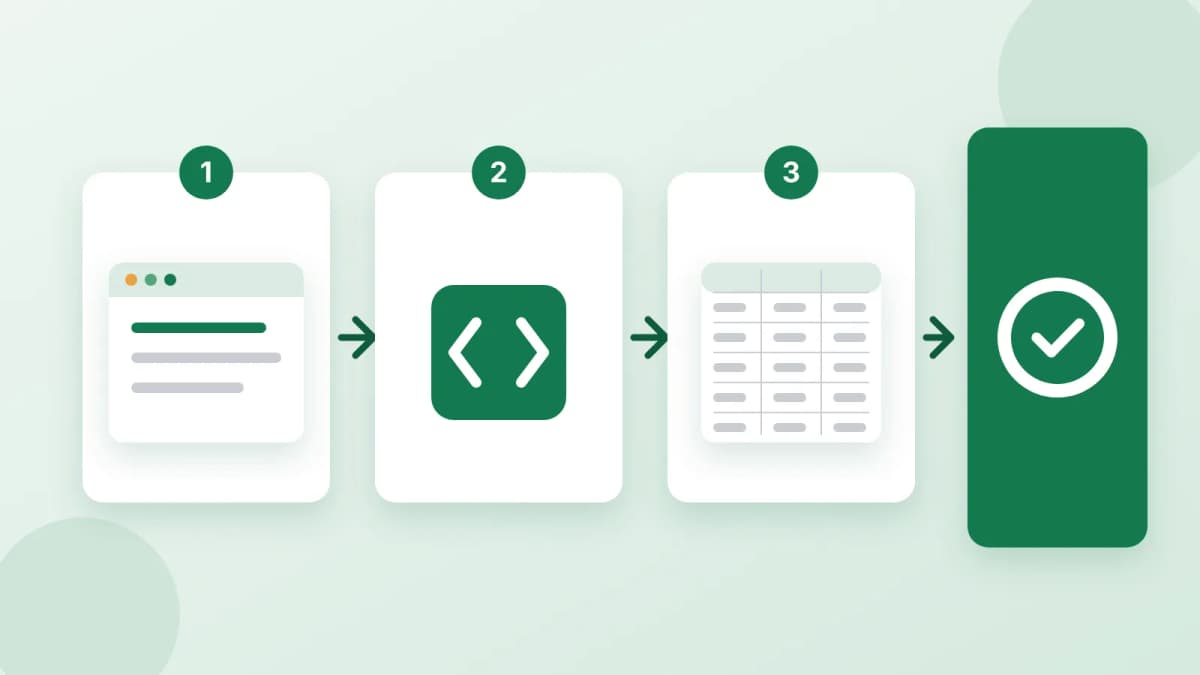
Decide which public pages and fields you need, check the site's terms, keep a polite pace and leave personal data out. If you would rather not write the code yourself, order a website scraper: you send the site, the fields and one or two saved pages, and get the Python code, a settings file and a step-by-step guide to running it into CSV, Excel or JSON. Payment is released only after you approve the work.