 Design
Small parts box
A 3D model of a box with compartments for screws, nuts and small parts, made to your sizes for 3D printing
Pricefrom $13
The money is reserved when you pay and released only once you accept the work.
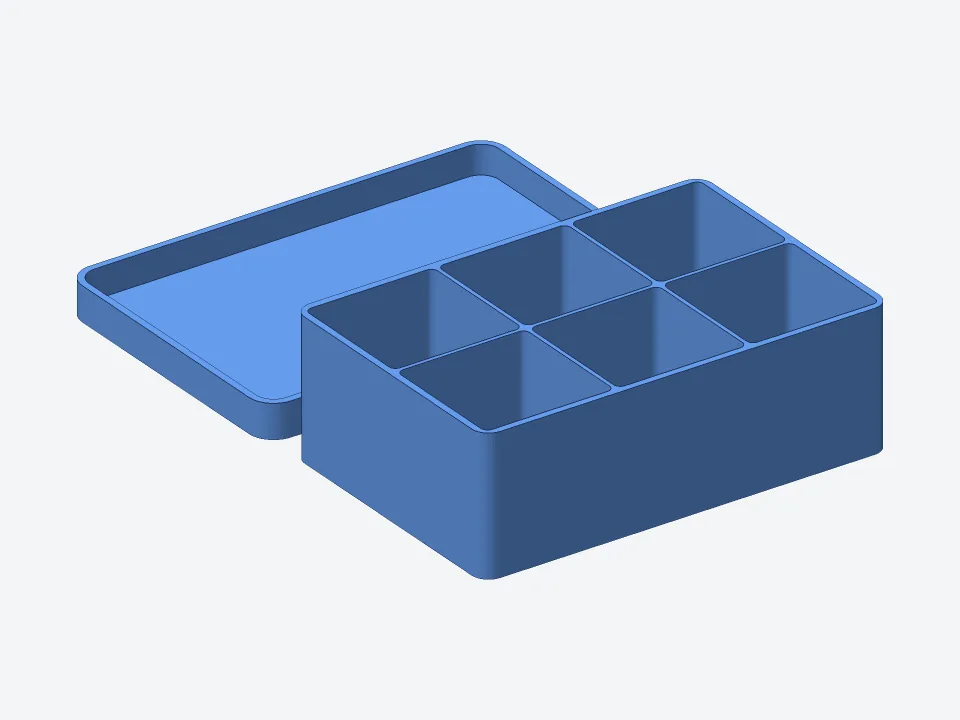
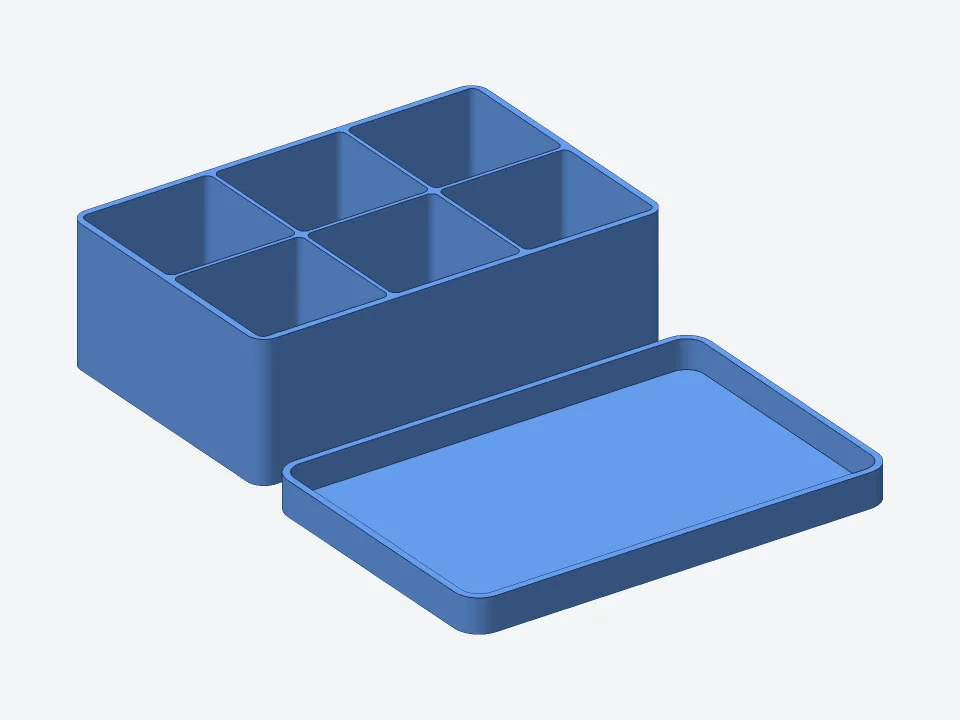
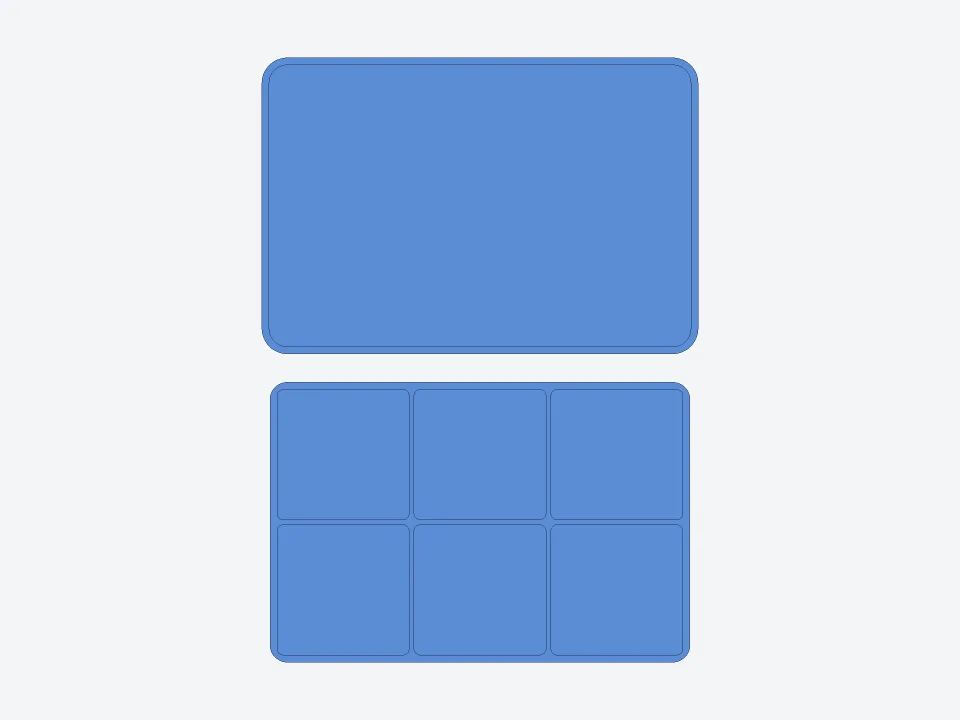
Size: the box is 120 × 80 × 40 mm and the lid 125 × 85 × 10 mm. Both are printed side by side. Files:
The README says the lid has a 0.3 mm gap so it slides on easily, and both parts print without supports.
Client: someone sorting screws, nuts and washers in a workshop drawer. Task: a box of 120 × 80 × 40 mm with 2 × 3 compartments with rounded inside corners, so small parts are easy to pick out, and a lid that sits on it.
The client and all details are made up.
A 3D model of an insert that fills a drawer and divides it into compartments: for cutlery, office supplies, tools, cables, make-up or odds and ends. You give the drawer's inside length, width and height in mm, how much room to leave around the insert so it drops in, and how to divide it: equal cells or the sizes you give, with a sketch if you have one. You get a ZIP archive: STL and 3MF to print, OBJ, GLB, a DXF outline seen from above, the code with the sizes at the top, a README with printing advice and pictures from four sides. Walls are at least 1.2 mm. From Standard, rounded inside corners make small things easy to pick out; in Premium up to 4 parts, so a drawer larger than your printer can be split into trays. No labels on the cells: add them in a slicer or stick them on. We do not print or ship inserts.
The drawer's inside length, width and height in mm, measured at the bottom, and anything in the way, such as runners, a handle screw or rounded corners. How much room to leave around the insert. What goes in, and the layout you want: how many cells, in what rows and of what sizes, or a sketch. The longest and tallest things that go in, such as scissors or a ruler. Whether some cells need a lid or trays should stack. The build area of your printer, so we know whether to split the insert, and the material, if you know it.
We will ask you:
| Packages | BasicOne insert$13 | StandardInsert with rounded cells$25 | PremiumSet for the whole drawer$47 |
|---|---|---|---|
| Deadline | 1 day | 2 days | 3 days |
| Revisions | 1 | 2 | 3 |
| Parts | 1 (box or insert) | up to 2 (box and lid) | up to 4 (box, lid and inserts) |
| Compartments | up to 4 | up to 12 | up to 24 |
| Lid | No | sits on or slides in | sits on, slides in or with a hinge pin |
| Rounded inside corners for easy picking | No | Yes | Yes |
| Stackable | No | No | Yes |
| Files | STL, 3MF, OBJ, GLB, DXF | STL, 3MF, OBJ, GLB, DXF | STL, 3MF, OBJ, GLB, DXF |
| Drawer inside size | your size | your size | your size |
| Order Basic | Order Standard | Order Premium |
You pay when you order, but the money is released only for accepted work.
Tell us your printer's build area. In Premium the insert can be up to 4 parts that sit side by side in the drawer. In Basic it is one piece, so it has to fit your printer.
We build to the inside size and the room you give and never guess them. Check the sizes in the pictures and the README before printing. If it is tight or loose, measure again and ask for a change within your package.
No, the 3D model carries no lettering, logos or pictures. You can add labels in your slicer or a 3D editor, or stick them on after printing.
Yes: ask for a change within your package's revisions and give the new sizes in mm. The main sizes are also named numbers at the top of model.js, for anyone who works with code.
No. You get the files and print the insert yourself or at a print shop. We do not sell or ship anything, and we do not edit an STL you send: we build a new 3D model from your sizes.
Did not find your answer?
Design Design
 Design
 Design