 Development
Webinar landing
A ready landing page for a webinar in HTML and CSS: topic, speaker, date and a phone version
Pricefrom $21
The money is reserved when you pay and released only once you accept the work.
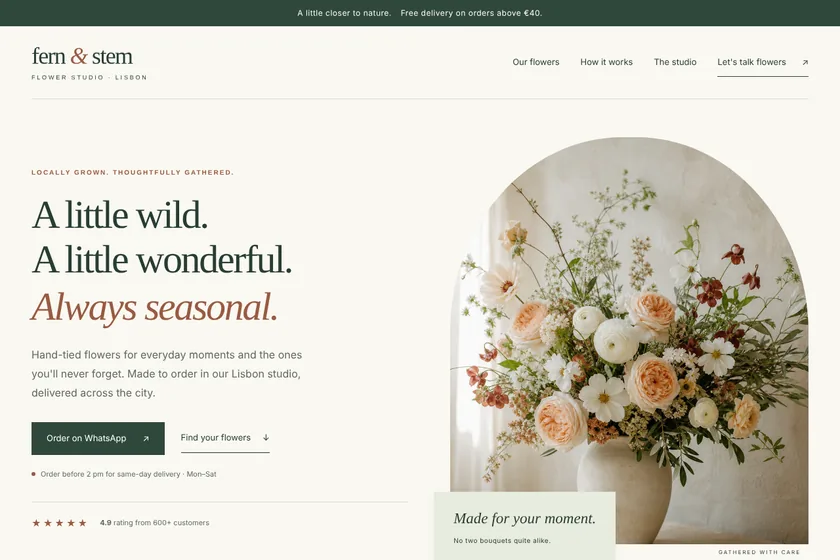
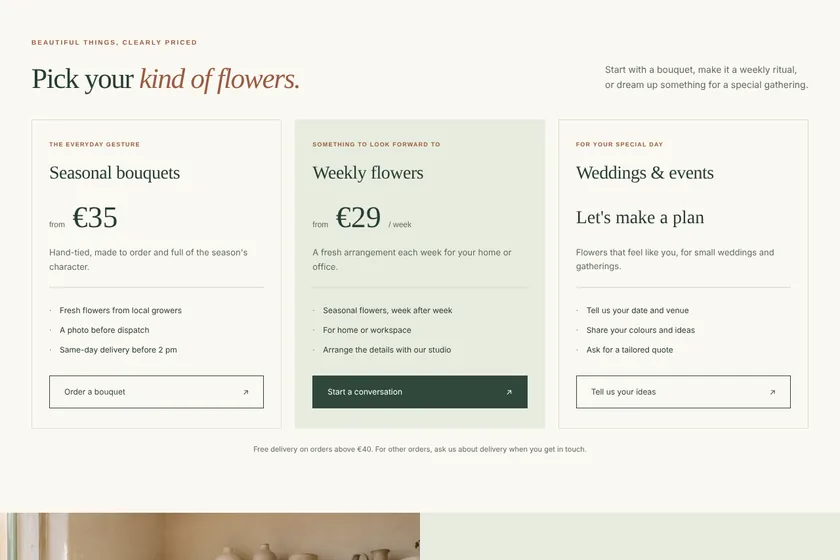
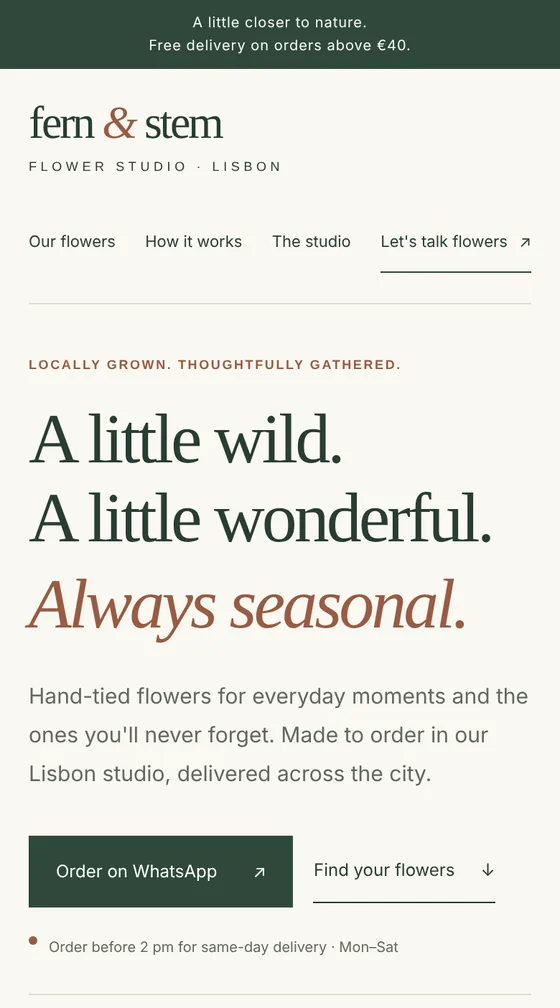
Files: a ZIP archive with index.html, the styles, a little JavaScript and 5 pictures drawn for the page: 8 sections, ready to upload to the client's hosting. The pictures here are screenshots of the page.
Client: Fern & Stem, a small flower studio that delivers bouquets across Lisbon. Task: a landing page with their bouquets, weekly subscription and event flowers, prices, delivery terms and WhatsApp ordering, in cream, sage and terracotta.
The client and all details are made up.
A course page has to explain in a few screens what someone will learn, how it is taught, who teaches it and what it costs. We write it from your brief: what the course aims at in your words, the programme by modules, format and duration, the author, the tariffs and what each includes, and the questions people ask before paying. The join button leads to your existing checkout or the platform where the course runs, or opens a messenger; the page itself takes no payments, has no student area and hosts no lessons. We do not promise income, jobs or results, and student reviews and numbers appear only as you give them.
The course name and topic, who it is for, what students will be able to do in your words, the programme by modules, format, length and start date, the author's experience, tariffs with prices and contents, refund and access terms, and the link where people pay or join. Reviews only if they are real and you may publish them. Up to 5 pictures as PNG, JPEG or WebP: your logo, your photo and screenshots of the course you have the right to use.
We will ask you:
| Packages | BasicCourse page, 5 sections$22 | StandardCourse page, 8 sections$39 | PremiumCourse page, 12 sections$67 |
|---|---|---|---|
| Deadline | 1 day | 2 days | 2 days |
| Revisions | 1 | 2 | 3 |
| Pages | 1 | 1 | 1 |
| Sections | up to 5 | up to 8 | up to 12 |
| Pictures drawn for the page | 3 | 5 | 8 |
| Phone version | Yes | Yes | Yes |
| Join button | to your payment or school link | to your payment or school link | to your payment or school link |
| Order Basic | Order Standard | Order Premium |
You pay when you order, but the money is released only for accepted work.
No. The page has no payments. Each tariff's button leads to your existing checkout, the course platform or a messenger, so the payment stays where you already take it.
No. We do not promise income, jobs or results. The page says what the course covers and what students practise, and real student stories appear only as you send them.
No. It is a sales page without a student area. Lessons stay on the platform you use, and the page leads people there.
Yes. Dates and prices are plain text in the code and can be changed for each launch, or you can ask for changes within your package.
Upload the contents of the archive to your hosting so that index.html is at the top of the site. Hosting and a domain are not part of the order, and we do not log in to your accounts. The page needs no database, so any ordinary hosting will do.
Did not find your answer?
Development Development
 Development
 Development