Payment protectionDetails
- Revisions within the package are free.
- If you do not respond within 3 days of delivery, the work is accepted automatically.
The money is reserved when you pay and released only once you accept the work.
Example result
Social media banners for a yoga studio
4 images in 2 formats
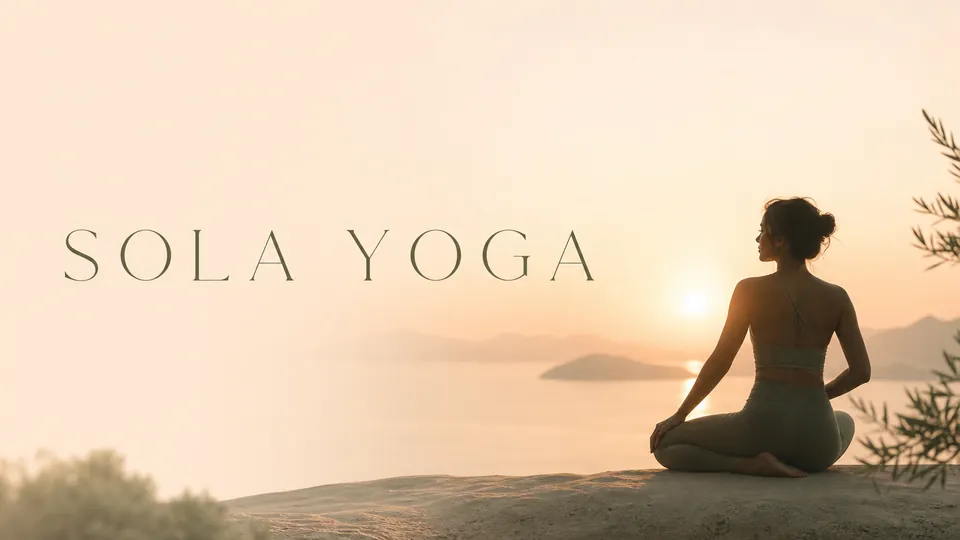
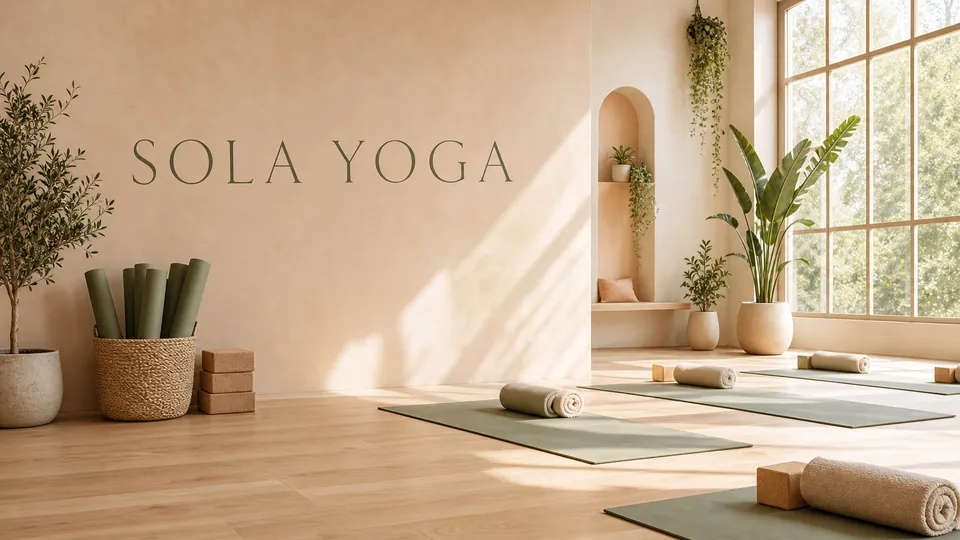
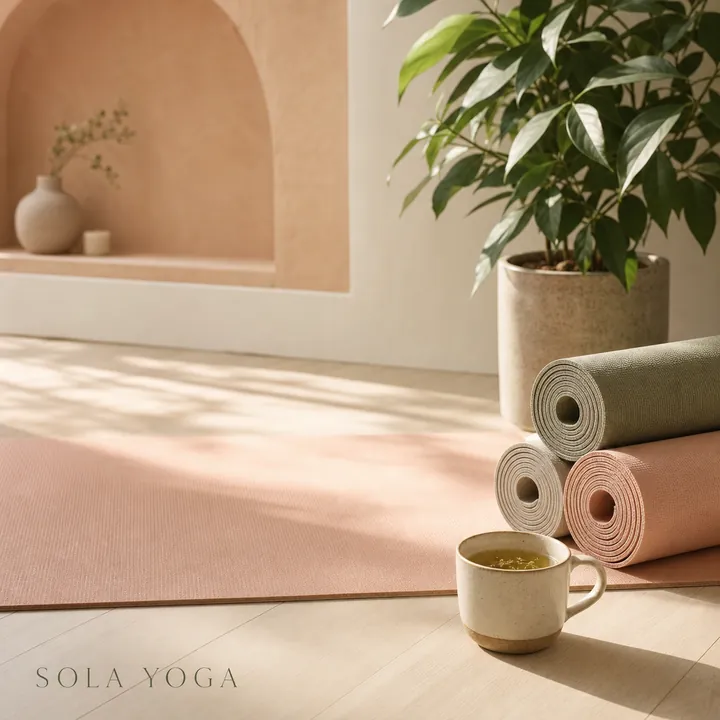
Client: Sola Yoga, a small yoga studio. Task: two wide covers and two square posts in calm peach and sage colors, with the studio’s name.
The client and all details are made up.
About this service
We draw the full-screen scenes your viewers watch between the action: Starting soon while chat fills up, Be right back during a break, Thanks for watching at the end, and Technical difficulties for the moments you hope never come. Each screen carries its short title in large letters and a scene in your channel's style, with room left for a countdown, chat box or socials that you add in OBS. They are designed as a set, so the stream feels the same from the first minute to the raid.
What is included
- What you getStatic widescreen PNG screens, each with its short title and free space for the live elements you add in OBS. No animation or looping video.
- Starting soonThe first thing viewers see
- Be right backFor breaks without losing chat
- Ending screenThanks and a calm send-off
- Room for live elementsTimer, chat and socials added in OBS
How it works
- 1BriefYou choose the screens and titles
- 2ScreensWe draw them as one set
- 3DeliveryYou get PNG screens for your scenes
What we need from you
The screens you need and their exact titles, your channel name, colours and the scene or theme you like.
We will ask you:
- Which screens do you need?
- Which exact titles should appear, and in which language?
- What scene or theme fits your channel?
Compare packages
| Packages | Basic2 stream screens$10 | Standard4 screens in up to 2 themes$20 | Premium8 screens in up to 4 themes$39 |
|---|---|---|---|
| Deadline | 1 day | 2 days | 3 days |
| Revisions | 1 | 2 | 3 |
| Images | 2 | 4 | 8 |
| Formats | 1 | up to 2 | up to 4 |
| File type | PNG | PNG | PNG |
| Order Basic | Order Standard | Order Premium |
Payment protection
You pay when you order, but the money is released only for accepted work.
- Fixed priceThe package price does not change after you pay.
- The money is reservedWhen you pay, the amount is only reserved. It is released to the service once you accept the work.
- Checked before deliveryEvery result goes through a quality check before it reaches you, and you see it on the order page before accepting it.
- Free revisionsAsk for changes within your brief as many times as the package allows.
- Acceptance after 3 daysIf within 3 days of delivery you neither accept the work nor ask for changes, it is accepted automatically. If you write in the order chat after delivery, the order waits; once we answer, we may start the 3 days again and will say so in the chat.
- Redo or a full refundIf the result does not match your brief and the revisions did not fix it, or the work takes more than twice its deadline, write in the order chat: we will redo the work or refund the payment in full.
Questions and answers
Can you add a countdown timer?
A timer is a live element, so add it in OBS or your overlay tool on top of the free space we leave.
Can my socials be on the ending screen?
Handles and links are small text, which is unreliable in a picture. Add them as text in OBS.
Does the image fill a 16:9 screen?
It is widescreen but a little taller than 16:9, so crop the top and bottom slightly in OBS or any editor.