 Design
Holiday greeting email
A holiday greeting email in HTML for your customers: warm words, festive pictures and a phone version
Pricefrom $16
The money is reserved when you pay and released only once you accept the work.
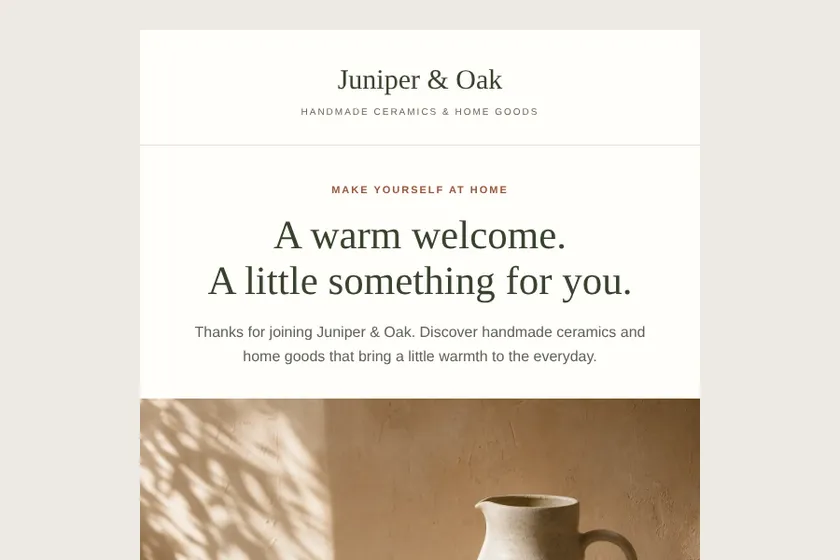
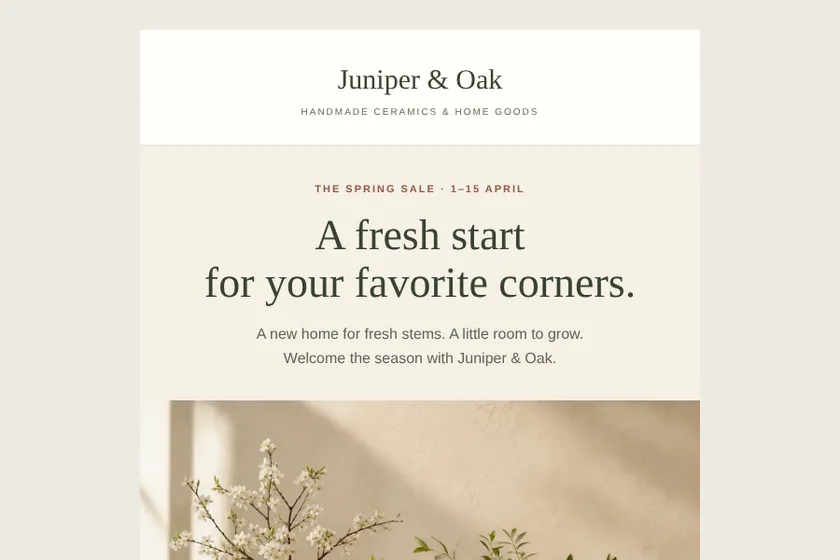
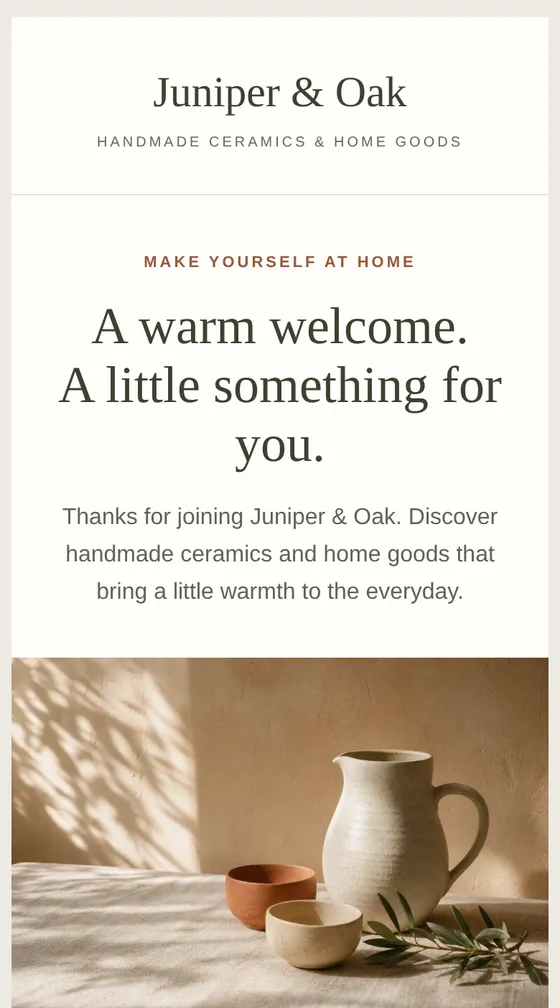
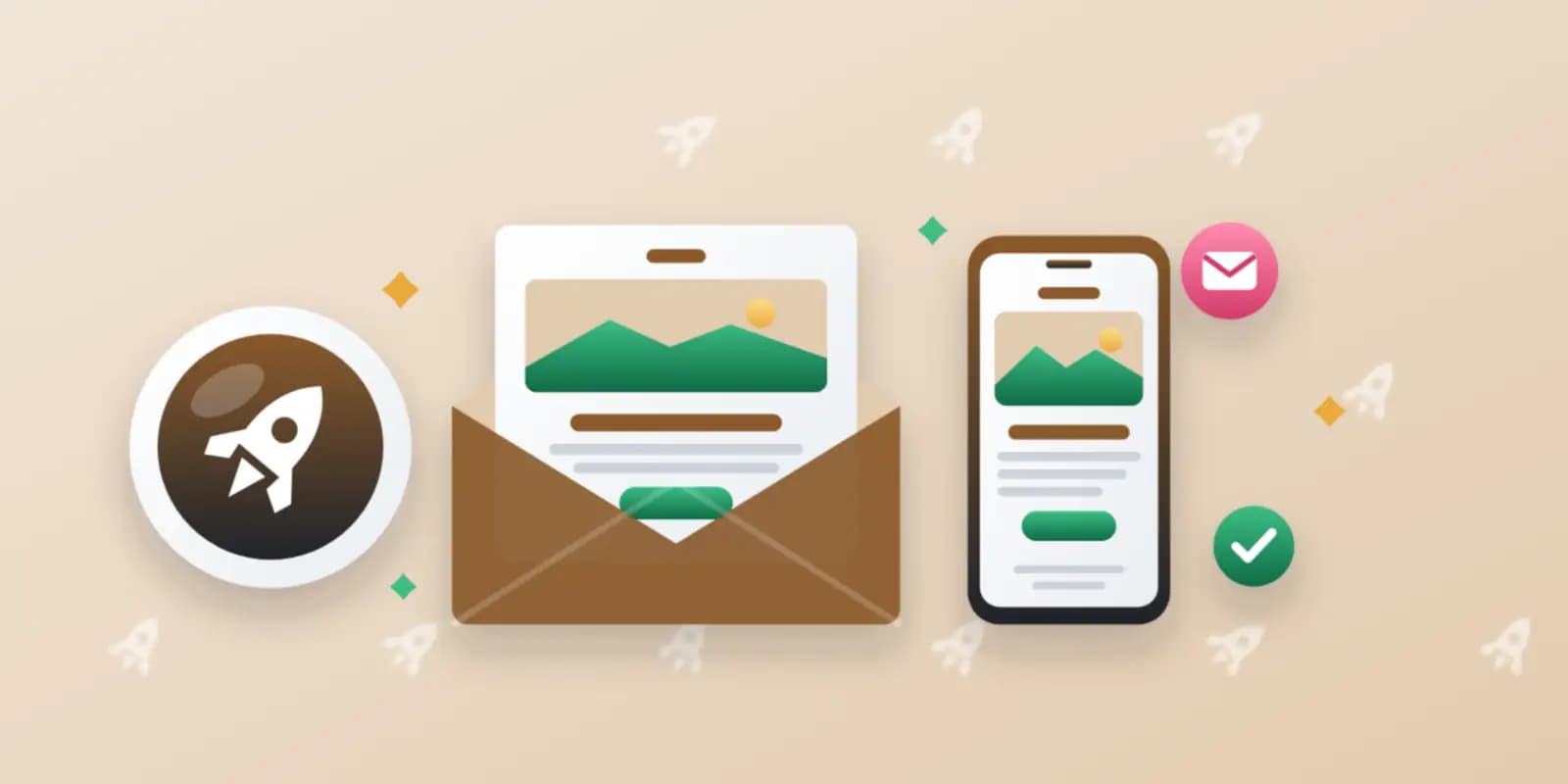
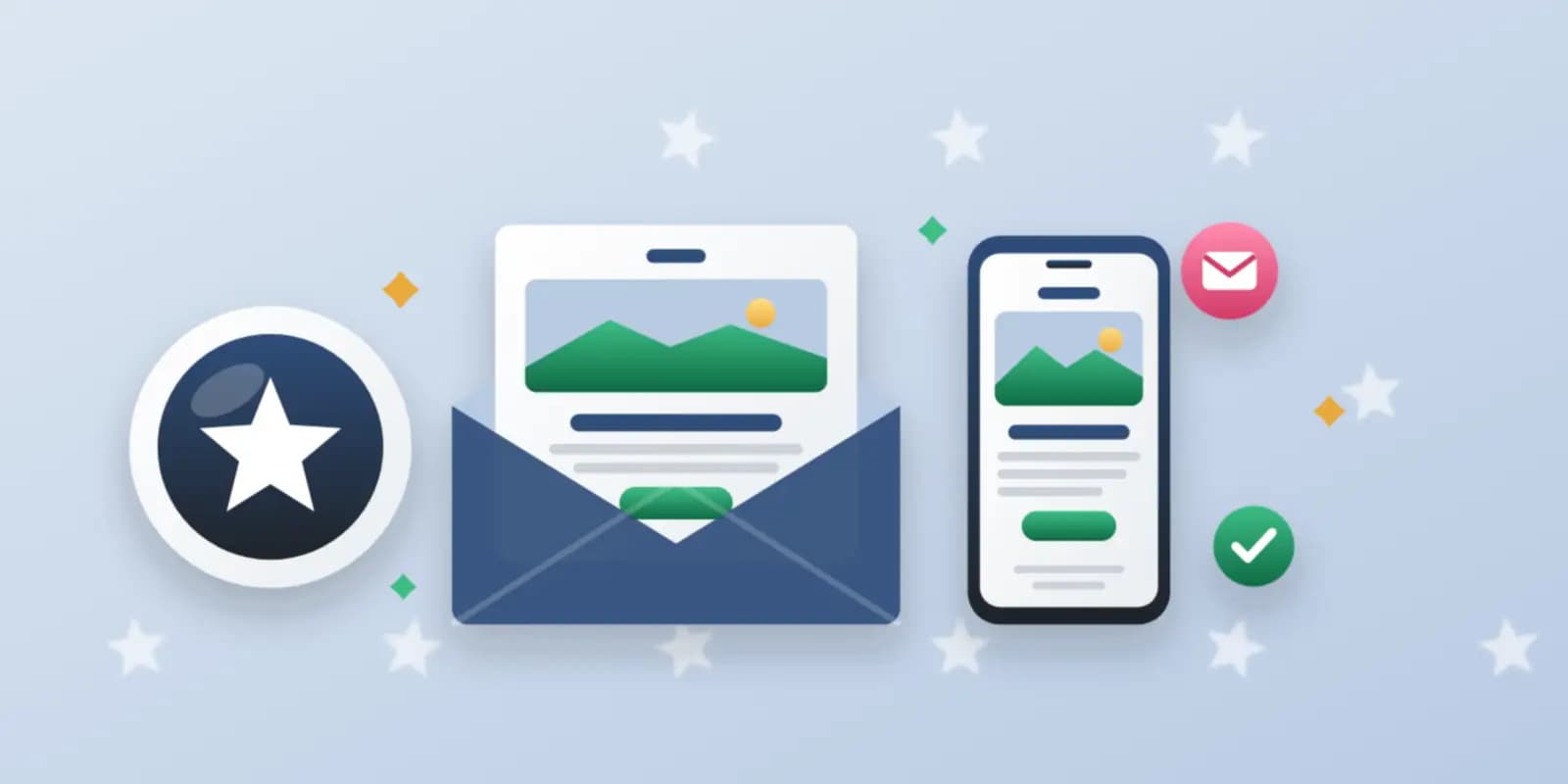
Files: a ZIP archive with 2 HTML emails built for email programs, with inline styles and an unsubscribe link, and 3 pictures drawn for them, ready to import into the client's mailing service. The pictures here are screenshots of the emails.
Client: Juniper & Oak, a small online shop of handmade ceramics and home goods. Task: two emails for their mailing service: a welcome email with 10% off the first order and a spring sale email with 20% off vases and planters, in sand, terracotta and olive.
The client and all details are made up.
An invitation has to answer three questions at a glance: what is it, when and where, and how to sign up. We write and build the email from your brief: a headline, the date, time and address or online link, a short programme or list of speakers you give, what guests get, and a button to your own registration page, a messenger or an email reply. The email has no form and no seat booking: people register where you already take sign-ups. Tables 600 px wide with inline styles, one column on phones, a footer with your details and an unsubscribe link placeholder. We do not invent speakers, prices or seat counts and do not send the email.
The event's name, date, start and end time, the time zone if guests are in different places, the address or online link, the programme and speakers as they should appear, the ticket price or that it is free, and the page or contact where people register. Also who is invited and the sender's details for the footer. Optionally up to 5 pictures as PNG, JPEG or WebP: your logo and photos of the venue or speakers that you have the right to use.
We will ask you:
| Packages | Basic1 invitation$17 | StandardInvitation and reminder$30 | Premium4 event emails$51 |
|---|---|---|---|
| Deadline | 1 day | 2 days | 2 days |
| Revisions | 1 | 2 | 3 |
| Emails | 1 | 2 | 4 |
| Pictures drawn for the emails | 2 | 3 | 4 |
| Phone version | Yes | Yes | Yes |
| Unsubscribe link | Yes | Yes | Yes |
| Order Basic | Order Standard | Order Premium |
You pay when you order, but the money is released only for accepted work.
No: email programs do not run forms. The button leads to your registration page, a messenger or a reply by email, wherever you already take sign-ups.
A button can lead to a calendar link you create in your calendar or registration service. We do not host calendar files; without such a link, the date and time are written clearly in the text.
Yes, if you have the right to use them and upload them with the brief. Without photos, speakers are listed by name and role, exactly as you give them.
Yes: instead of an address, the email gives the time with its time zone and a button to your webinar page or registration link.
No. Sending, the guest list and your mailing service stay with you, and the unsubscribe link placeholder is replaced with your service's own link.
Did not find your answer?
Design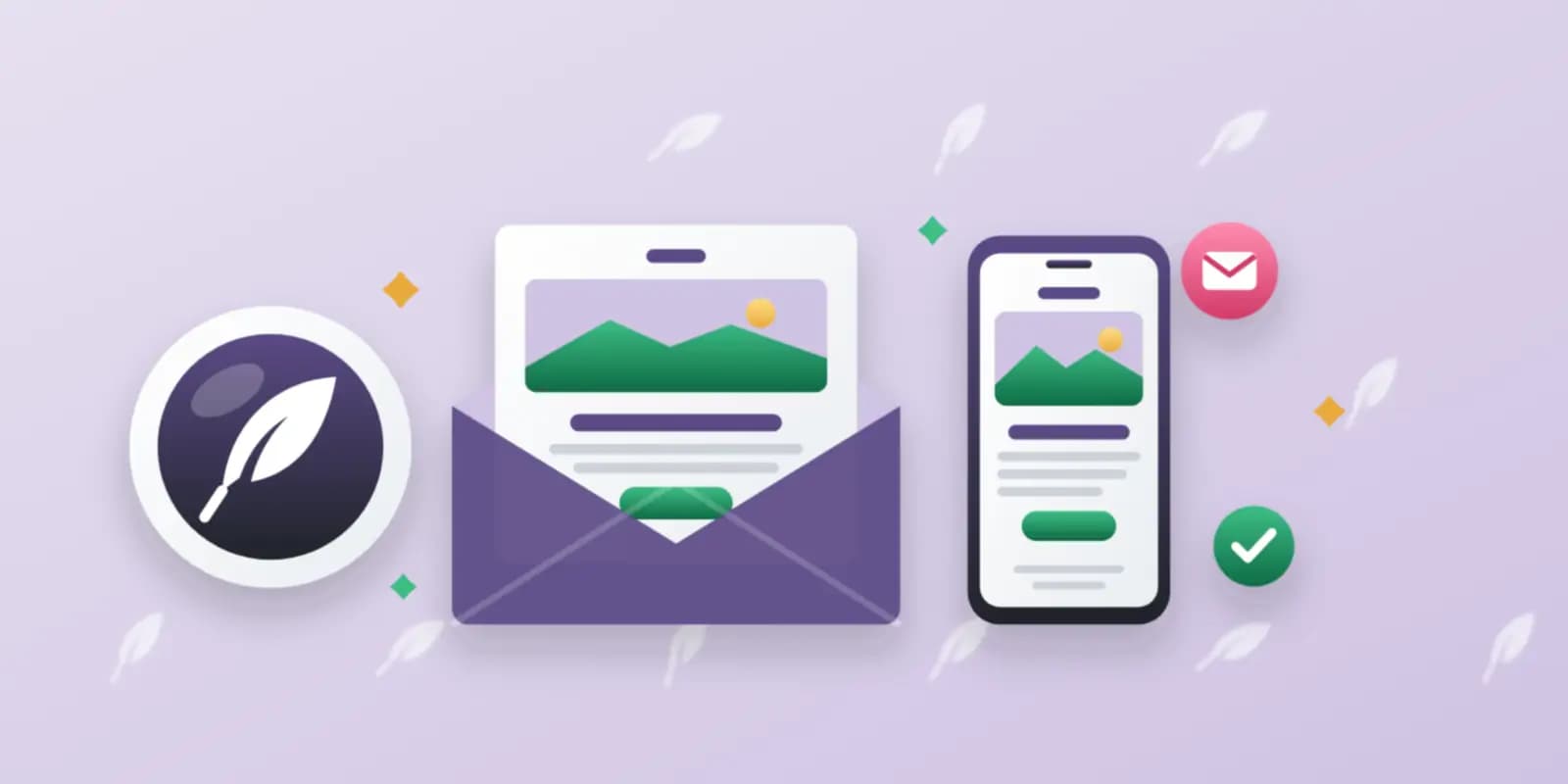 Design
 Design
 Design