 Design
Annual report page
Annual report page in last year's style
Pricefrom $9
The money is reserved when you pay and released only once you accept the work.

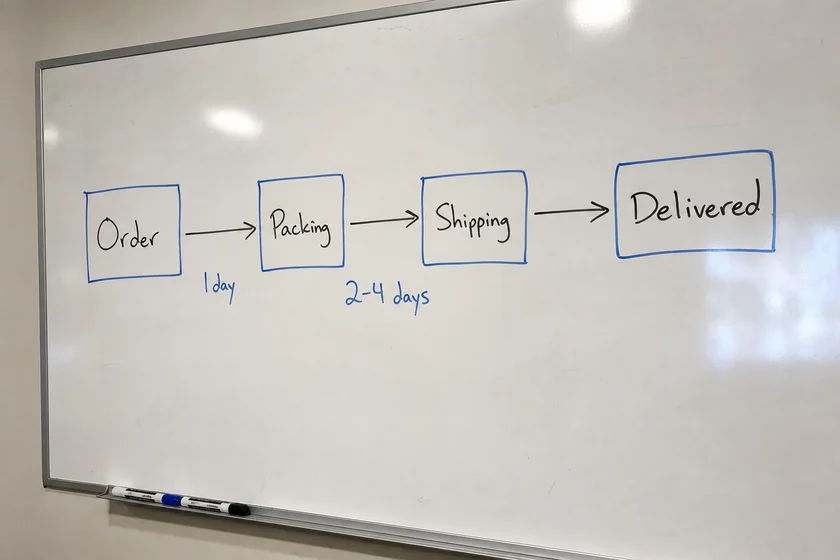
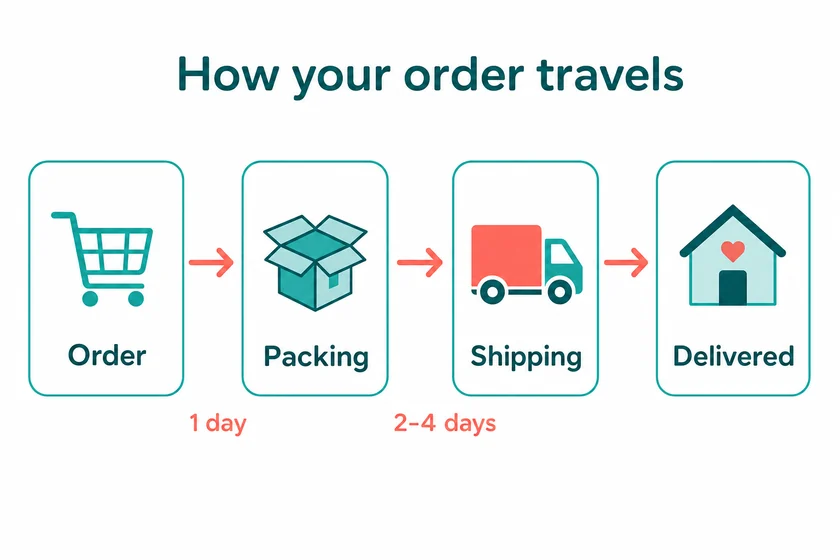
File: PNG, about 1.5 megapixels, in the shape of the upload. The steps and times are the ones on the sketch.
Client: an online store explaining delivery to customers. Task: turn a phone photo of a process sketched on the office whiteboard into a clean infographic for the delivery page.
The client and all details are made up.
An org chart shows who reports to whom at a glance, so we turn your list of names and roles, a spreadsheet screenshot or a rough sketch into a neat tree: the head at the top, departments or teams below, and boxes with a name and a short job title, joined by clear reporting lines. We use only the names, titles and links you give and keep their order; one picture holds up to about 10 boxes, so a larger company reads better as one chart for the management team and one per department. Each PNG is made from one of your pictures, at about 1.5 megapixels in the shape of that picture; it is redrawn, so small names can shift slightly and need your check.
Up to 5 pictures as PNG, JPEG or WebP (no PDF): a screenshot of your staff list or spreadsheet, or a photo of a sketch. Type each box exactly as it should read, name and job title, who reports to whom, and your brand colours, if any.
We will ask you:
| Packages | Basic1 chart$9 | Standard3 charts$19 | Premium5 charts$35 |
|---|---|---|---|
| Deadline | 1 day | 1 day | 2 days |
| Revisions | 1 | 2 | 3 |
| Pictures | 1 | 3 | 5 |
| Format | PNG | PNG | PNG |
| Text | a title + up to 10 short blocks | a title + up to 10 short blocks | a title + up to 10 short blocks |
| Order Basic | Order Standard | Order Premium |
You pay when you order, but the money is released only for accepted work.
Not readably in one picture, which holds up to about 10 boxes. Make one chart with the management team and departments, then one per department, each from its own list or sketch, in the 3- or 5-picture package.
No, each chart is made from one of your files, and the boxes show names, titles, initials or simple icons, not photos of employees. Make sure the employees named agree to having their names shown where you publish the chart.
The chart is a PNG picture, not an editable PowerPoint, Visio or Canva file, so you can't move boxes in it later; order a new version when the structure changes. Within your package, revisions fix names, titles and lines; small text and complex scripts can come out imperfect, Latin-script languages work best, so check every name.
We don't make charts that pass for official registry extracts, and we don't recreate documents, certificates or official forms. We don't add other brands' logos or fake awards; send only lists you have the right to use, and a chart from another company serves only as a style sample, never for its names, logo or texts.
Did not find your answer?
Design Design
 Design
 Design