 Business
Debt payoff plan
Debt payoff plan for your loans and cards (not financial advice)
Pricefrom $15
The money is reserved when you pay and released only once you accept the work.
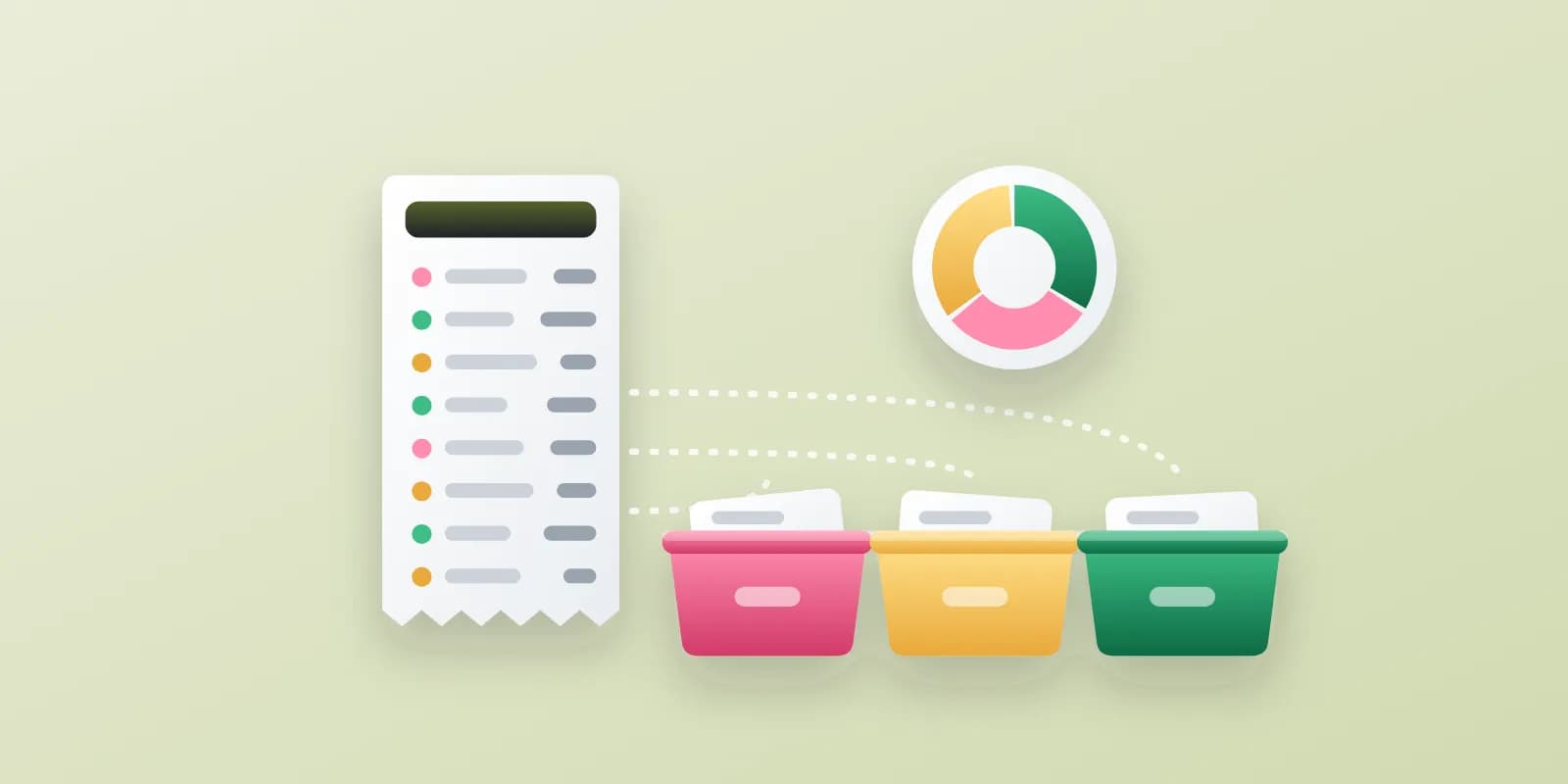
| Date | Description (as in statement) | Amount | Category |
|---|---|---|---|
| Jan 04 | POS LENSHOUSE RENTALS | −$185.00 | Equipment rental |
| Jan 05 | ACH CLIENT HARRIS WEDDING DEP | +$1,200.00 | Client income |
| Jan 09 | CLOUDVAULT STORAGE MONTHLY | −$11.99 | Software & subscriptions |
| Jan 12 | SHELL STATION 2214 | −$54.30 | Travel – fuel |
| Jan 18 | PHOTOEDIT PRO ANNUAL | −$239.88 | Software & subscriptions |
| Jan 21 | TRANSFER TO SAVINGS | −$800.00 | Transfer (not an expense) |
| Feb 02 | PRINTLAB ONLINE ORDER 5521 | −$96.40 | Prints & albums |
| Feb 14 | VENMO R. DALTON | −$150.00 | Needs your decision |
| Category | Jan | Feb | Mar | Q1 total |
|---|---|---|---|---|
| Client income | $4,850 | $3,200 | $6,100 | $14,150 |
| Equipment rental | $370 | $185 | $410 | $965 |
| Software & subscriptions | $287 | $48 | $48 | $383 |
| Prints & albums | $142 | $96 | $318 | $556 |
| Travel – fuel & parking | $211 | $164 | $297 | $672 |
| Marketing | $60 | $60 | $185 | $305 |
| Personal (excluded) | $1,420 | $1,265 | $1,390 | $4,075 |
Control check: the sum of all categories plus transfers matches the statement balance change for each month (difference $0.00).
This breakdown is not tax advice. Please have your accountant review the categories before filing.
Client: Maya Torres, freelance wedding and portrait photographer. Input: checking account and business card statements, January–March, 412 transactions. Purpose: prepare figures for her accountant and see where the money goes.
The client and all details are made up.
Send your bank or card statements as PDF files downloaded from online banking or as Excel, and tell us what the breakdown is for. We give every transaction a category from your list or from a standard one for freelancers, households or small shops, total each month and point out subscriptions and repeat payments. This is not tax or financial advice, so have an accountant in your country check the result before you use it for taxes or reports.
Statements as PDF with selectable text or Excel (up to 5 files), the period and currency, what the breakdown is for and your own category list if you have one. Hide account and card numbers before sending; we never need access to your bank.
We will ask you:
| Packages | BasicUp to 150 transactions$12 | StandardUp to 500 transactions, monthly summary$25 | PremiumUp to 1,000 transactions, several accounts$45 |
|---|---|---|---|
| Deadline | 1 day | 2 days | 3 days |
| Revisions | 1 | 2 | 3 |
| Transactions | up to 150 | up to 500 | up to 1,000 |
| Monthly summary | No | Yes | Yes |
| Accounts | 1 | 1 | up to 5 |
| Order Basic | Order Standard | Order Premium |
You pay when you order, but the money is released only for accepted work.
No. It is a breakdown of your transactions, not tax or financial advice. Have an accountant in your country check it before you use it for taxes.
No. We do not file returns or promise deductions; you or your accountant use the breakdown.
No. Download the statements yourself and hide account and card numbers before you upload them.
A scan without a text layer is not accepted. Download the statement again from online banking as a PDF or Excel file.
Each month has a control total to compare with your statement. The cells hold values, so recheck key totals with a pivot table in Excel.
Did not find your answer?
Business Business
 Business
 Business