Google Business Profile: how to fill it in so customers find you
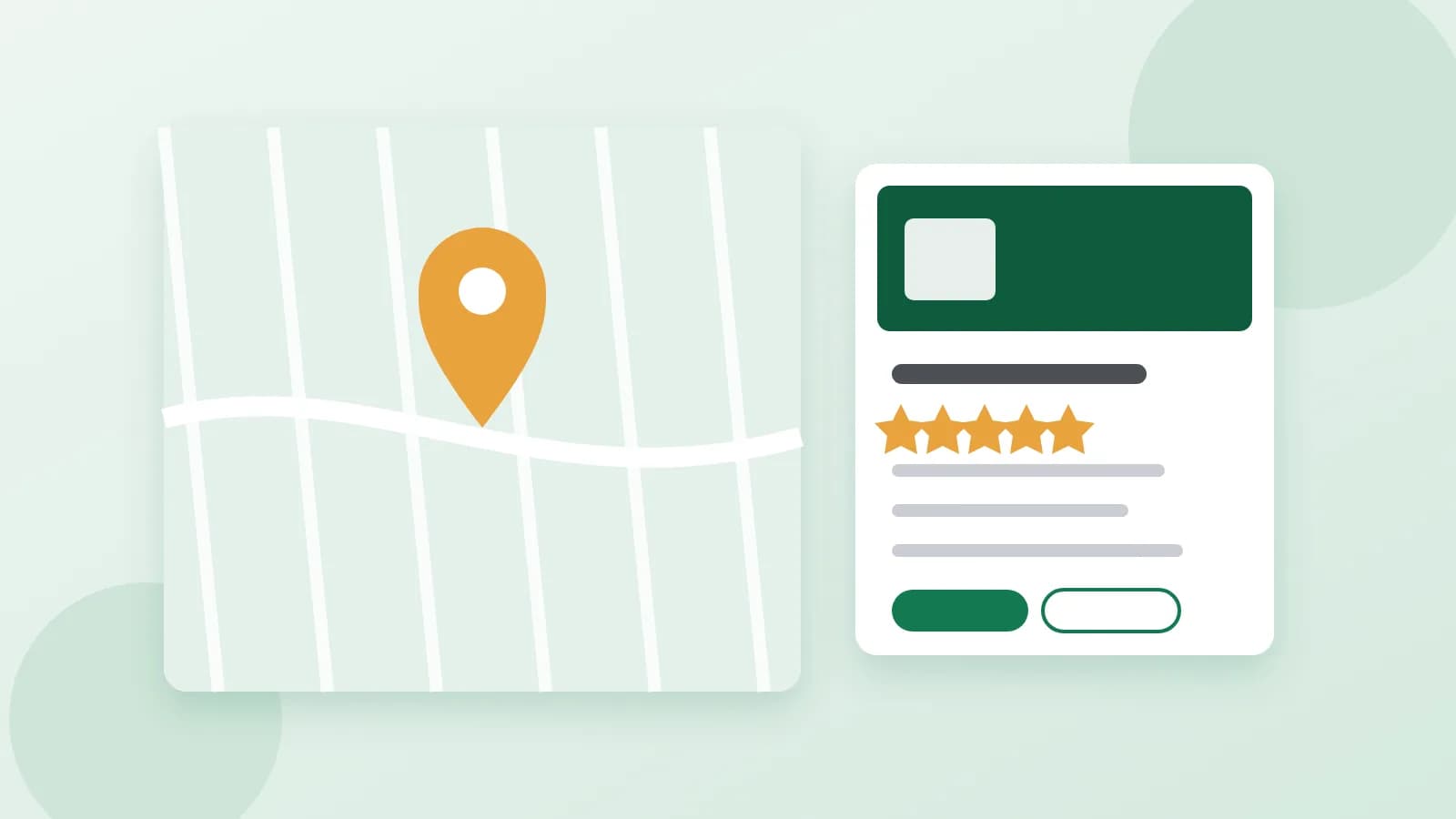
When people search for "coffee near me" or "dentist in Lisbon", Google shows a map with a few businesses before any website. Those cards come from Google Business Profile, a free listing that any business with customers in a place can create. A complete, active profile gets more calls, visits and directions requests. Here is how to fill it in.
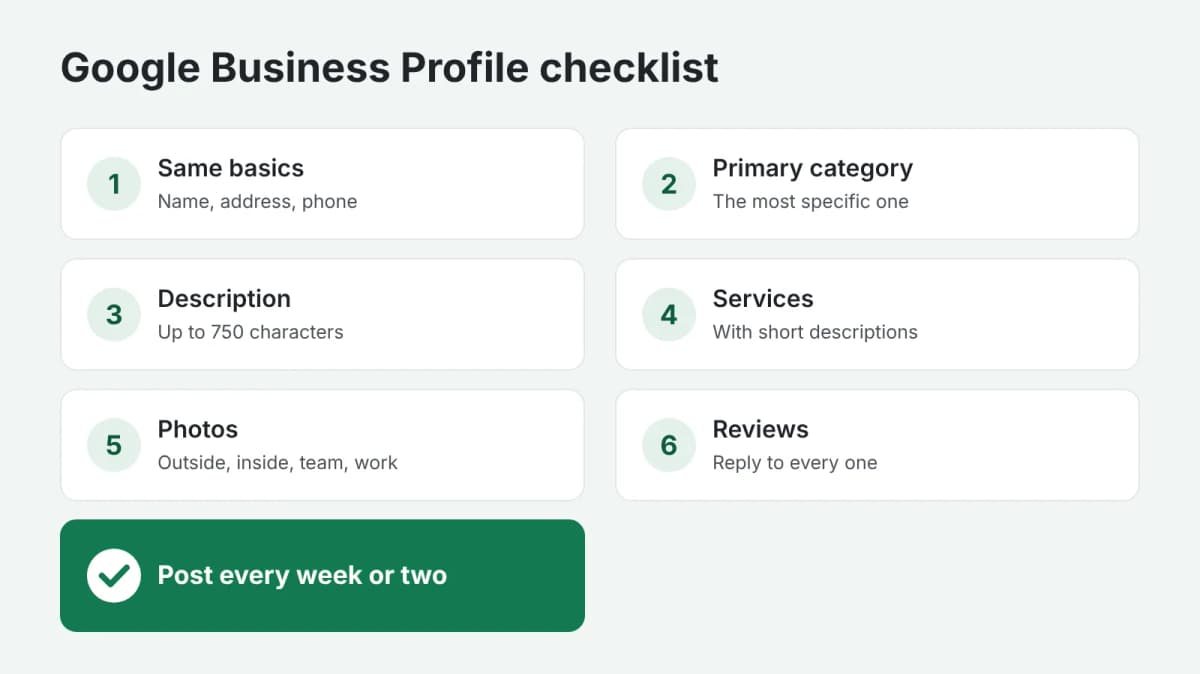
1. The basics, exactly the same everywhere
The name, address and phone number must match what is on your website, your social media and other directories, character for character. Use your real business name, without extra keywords: adding "best pizza" to the name breaks the rules and can get the profile suspended.
2. Categories
The primary category matters most: it decides which searches you appear in. Choose the most specific one ("Italian restaurant" rather than "Restaurant") and add a few secondary categories for the other things you do.
3. The description
You have up to 750 characters. Use the first lines for what matters most: what you do, for whom and where. Write for people, not for search engines: mention your main services and what makes you different, without lists of keywords, links or promotions.
4. Services and products
List each service or product with a short description and, where possible, a price. Customers see them in your profile, and they help Google match you to more searches.
5. Hours and attributes
Keep the hours up to date, including holidays. Add the attributes that apply: wheelchair access, parking, online appointments, payment options. A closed door during "open" hours is one of the most common reasons for bad reviews.
6. Photos
Add real photos: the outside, so people recognize the place; the inside; your team; your products or work. Add new ones regularly. Profiles with photos get more requests for directions and more clicks to the website.
7. Posts
Posts show news, offers and events right in your profile. One post a week or two is enough to show the business is active.
8. Reviews and replies
Ask happy customers for a review: right after a successful visit, with a direct link. Reply to every review, the good and the bad, briefly and politely. A calm, helpful reply to a negative review often convinces future customers more than the review itself.
In short
Consistent basics, the right primary category, a clear description, a list of services, real photos, regular posts and replies to every review: that is a profile customers find and choose. If you would rather have the texts written for you, order Google Business Profile texts: you describe your business, and get the description, services, posts and replies to your reviews. Payment is released only after you approve the work.